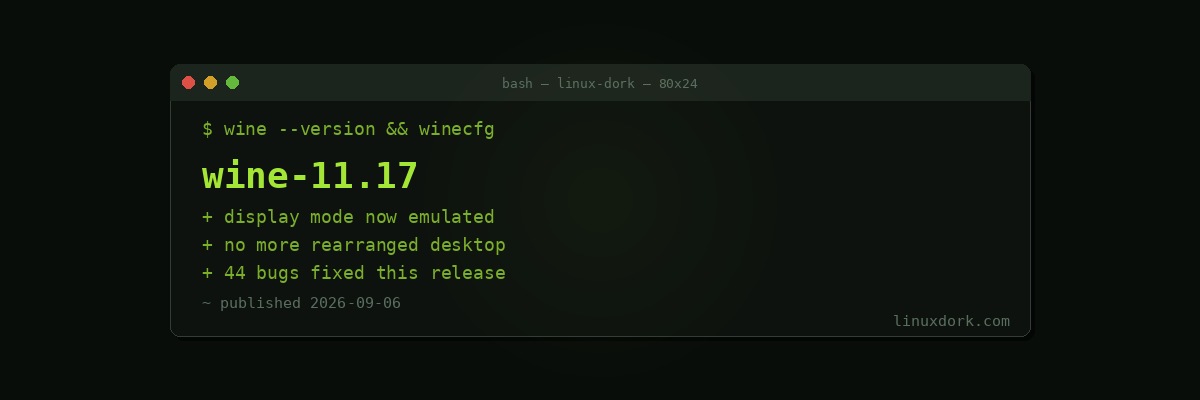
Wine 11.17 Adds Initial Display Mode Emulation and Fixes 44 Bugs
Wine 11.17 adds initial display mode emulation and fixes 44 bugs.
The problem this addresses
Windows applications, particularly older games, routinely change the display resolution when they launch and change it back when they exit. On Windows that mostly works. Under Wine it has been a reliable source of chaos.
The failure modes are familiar to anyone who has run older Windows games on Linux: the game changes the resolution, everything on the desktop rearranges, windows get resized and repositioned, multi-monitor layouts collapse, and then the game crashes without restoring anything, leaving you with a rearranged desktop to fix by hand.
Display mode emulation means Wine presents the application with the resolution it asked for while leaving the actual display untouched. The application renders at its requested mode, Wine scales the output, and the desktop never changes.
This is how modern games handle it anyway, using borderless windowed mode rather than exclusive fullscreen. Wine emulating the old behaviour rather than honouring it literally is the correct approach.
It is early work, so expect it to cover common cases and not all of them.
44 bug fixes
Wine’s steady bug-fix cadence is the thing that actually moves compatibility forward. The dramatic improvements people notice, a specific game going from unplayable to perfect, are usually the accumulation of many small fixes rather than one change.
Wine, Proton, and where each fits
The distinction confuses people, so briefly:
Wine is the compatibility layer that implements the Windows API on Linux. It is the foundation for everything else.
Proton is Valve’s Wine fork with gaming-specific patches, bundled with DXVK and VKD3D for Direct3D translation, and integrated into Steam. Improvements land in Proton first and flow back to Wine, and the reverse.
DXVK translates Direct3D 9, 10, and 11 to Vulkan. 3.1 shipped recently with Battlefield 3 fixes and groundwork for Intel GPUs under Proton.
VKD3D handles Direct3D 12, and 2.1 improved HLSL support and shader reflection.
For games, use Proton through Steam, or Lutris and Bottles which manage Wine prefixes for you. For non-game Windows applications, plain Wine is what you want, and 11.16 added VA-API hardware video decoding.
The wider picture
Linux gaming works now in a way it did not five years ago, and Wine is a large part of why. The Steam Deck accelerated it enormously by giving Valve a commercial reason to fund the work, but the project predates that by two decades of volunteers implementing an undocumented API by observation.
Display mode emulation is a good example of the remaining work: not headline features, but removing the specific rough edges that make running Windows software on Linux feel like running Windows software on Linux.
# check what you have
wine --version