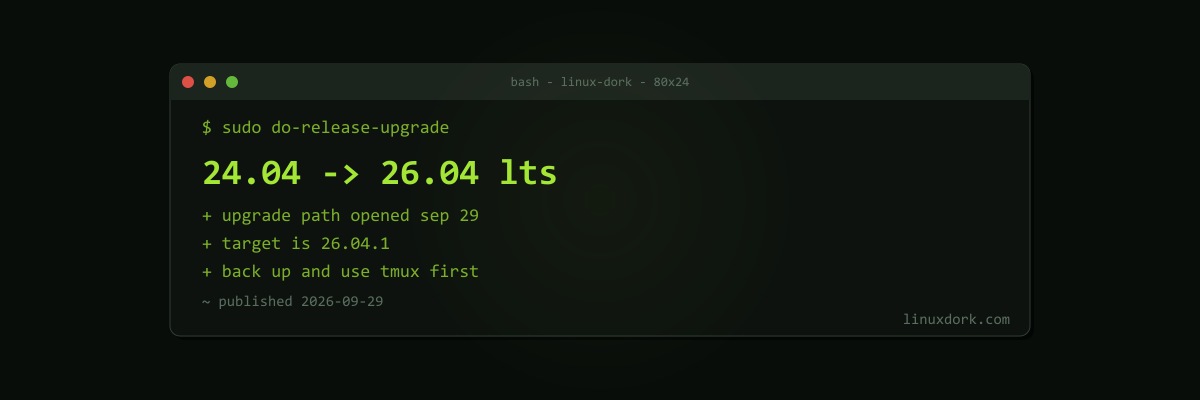
Ubuntu 24.04 LTS Users Can Now Upgrade to 26.04 LTS
Canonical has opened the upgrade path from Ubuntu 24.04 LTS to Ubuntu 26.04 LTS. As of September 29, Software Updater on 24.04 systems offers Ubuntu 26.04.1 LTS.
Why now, and why it was late
Ubuntu never offers LTS-to-LTS upgrades on release day. It waits for the first point release, by which time the worst bugs found by early adopters have been fixed. This time Canonical held the path back about three weeks longer than usual to make sure upgrades were safe for existing LTS users, who are the people least interested in surprises.
How to upgrade
Desktop: open Software Updater. Once your current system is fully updated, it offers the 26.04 upgrade; follow the prompts.
Command line, desktop or server:
sudo apt update && sudo apt full-upgrade
sudo reboot
sudo do-release-upgrade
Expect it to take up to an hour or more depending on bandwidth and hardware. During the upgrade, close open documents, since the lock screen is disabled while it runs. It removes obsolete packages at the end and asks for a restart.
Before you start
- Back up. Our automated backups guide covers it, and a Btrfs or Timeshift snapshot gives you a fast way back
- Check third-party repositories and PPAs. They are disabled during the upgrade and may not have 26.04 packages yet
- On servers, use a console you will not lose. Run it inside tmux so a dropped SSH connection does not kill the upgrade halfway
Our guide to updating Linux safely walks through the full checklist.
What changes on 26.04
The jump spans two years of changes. Among the ones you will notice:
- Rust coreutils by default for most commands (
cp,mv, andrmstay GNU on 26.04); see Rust coreutils explained - sudo-rs as the default
sudo; see run0 vs sudo-rs vs sudo - A newer GNOME, kernel, and toolchain throughout
Should you upgrade now?
On a desktop where you want newer software, now is reasonable. On a production server, there is no rush: 24.04 is supported until 2029 under standard support, and longer with Ubuntu Pro. Test the upgrade on a staging copy first, and upgrade when it suits you, not when the notification appears.