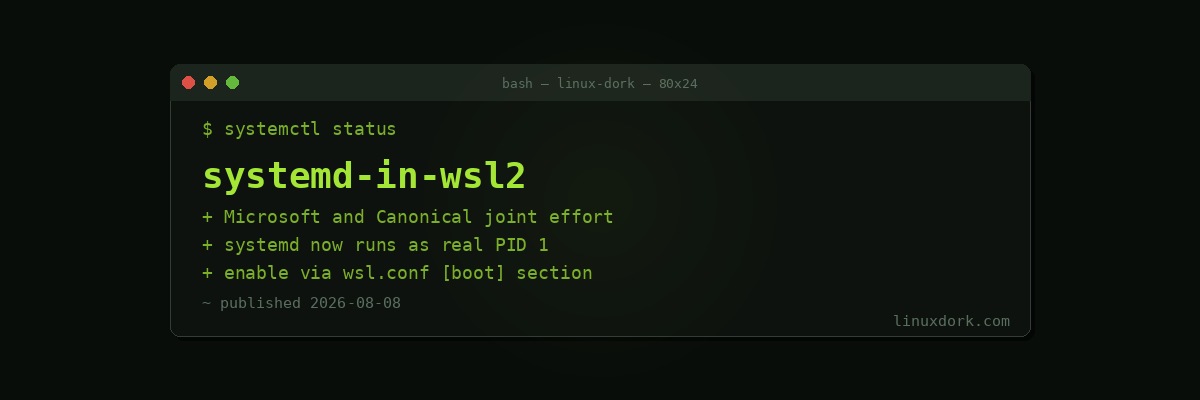
systemd Now Runs Inside WSL2 After a Joint Microsoft and Canonical Effort
Microsoft and Canonical have jointly announced that systemd now works inside WSL2, the Windows Subsystem for Linux. For anyone running Ubuntu or another systemd-based distribution under WSL2, this closes a long-standing gap between the WSL experience and a real Linux install: full service management through standard systemd units, rather than the patchwork of workarounds WSL users have relied on for years.
The gap this closes
WSL2 runs a real Linux kernel inside a lightweight virtual machine, which made it dramatically more compatible with native Linux workloads than the translation-layer approach used by original WSL. But for a long time, WSL distributions did not boot with a real init system. Since systemd assumes it is PID 1, controls cgroups, and expects to manage the full boot and service lifecycle, running it inside WSL’s lighter-weight startup process required either avoiding systemd-dependent tooling entirely or resorting to shims and third-party workarounds like genie to fake enough of a systemd environment for specific tools to function.
That mattered more than it might sound, because a large amount of modern Linux tooling assumes systemd is present and functioning normally. Docker, snap, various developer tool installers, and plenty of documentation-driven setup instructions all assume systemctl works. Without native systemd, WSL users hit friction on exactly the kind of “just follow the install instructions” workflows Linux documentation usually assumes.
What changed
With this joint effort, WSL2 distributions can now boot with systemd as PID 1 and use it the same way a native Linux install would: systemctl start, systemctl enable, and standard unit files all work as expected, without a compatibility shim standing in the way.
# Check whether systemd is running as PID 1 inside your WSL2 distro
ps -p 1

# Enable systemd in Ubuntu on WSL2 via wsl.conf
sudo tee -a /etc/wsl.conf <<'EOF'
[boot]
systemd=true
EOF

# Restart the WSL instance from Windows (PowerShell) for the change to take effect
# wsl.exe --shutdown
Why it matters
For developers using WSL2 as their primary Linux environment on a Windows machine, this removes one of the last meaningful gaps between WSL and a native Linux install or VM. Services that expect to be managed by systemd, from local databases to background daemons used in development workflows, now behave the way documentation assumes rather than requiring WSL-specific adjustments.
It also signals a deepening of the collaboration between Microsoft and Canonical on WSL as a serious first-class Linux environment rather than a lightweight compatibility layer, following a pattern of WSL steadily gaining features that close the gap with running Linux directly or in a full virtual machine.
How to check if you have it
Support depends on your installed WSL version and your distribution’s systemd packaging picking up the change, so users should update WSL from Windows and update their distribution’s packages before expecting systemd=true in wsl.conf to produce a fully working systemd session. If ps -p 1 still shows something other than systemd after enabling the setting and restarting the WSL instance, an update on one side or the other is likely still pending.