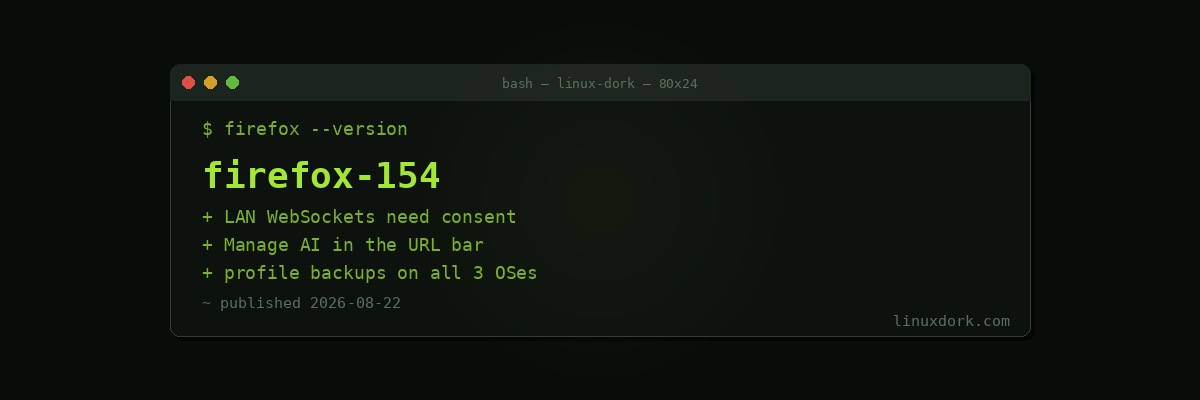
Firefox 154 Makes Websites Ask Before Opening WebSockets to Your Local Network
Firefox 154 was released on August 20, and its most consequential change closes a gap that most users have no idea exists.
Websites can reach your LAN
Local Network Access protections now extend to WebSocket connections. A site that tries to open a WebSocket to a device on your local network has to ask permission first.
The attack this addresses is well known and under-appreciated. A page loaded from the public internet runs JavaScript in your browser, and your browser sits inside your network. That script can attempt connections to 192.168.x.x addresses, localhost, and anything else reachable from your machine. Routers, printers, IoT devices, NAS boxes, and self-hosted services frequently have weak or no authentication because their owners assume nothing outside the network can talk to them.
WebSockets made this worse than plain HTTP requests, because a WebSocket is a persistent bidirectional channel rather than a one-shot request, and the usual cross-origin restrictions apply differently.
If you run self-hosted services on your LAN, this is a meaningful improvement to your security posture that costs you a permission prompt.
The Manage AI shortcut
The address bar gains a “Manage AI” quick action that jumps straight to the AI section of Settings.
Whether you consider that useful depends entirely on your view of AI features in browsers. Mozilla’s framing is that the controls were hard to find, which is true. The counter-framing is that a shortcut to manage the features is a poor substitute for not shipping them enabled, which is also a position people hold.
Either way, it is now one step to find the toggles.
Other changes
- Sites can be exempted from cookie clearing on shutdown without also being exempted from tracking protection and other cookie restrictions, which were previously bundled together in an unhelpful way
- Local profile backups now work on macOS as well as Windows and Linux, and backups transfer between all three
- PDF handling improvements, including highlighting
- AI-assisted tab organization
The profile backup portability is quietly the best feature here for anyone who moves between machines.
# Flatpak
flatpak update org.mozilla.firefox

# Arch
sudo pacman -Syu firefox

# Fedora
sudo dnf upgrade firefox