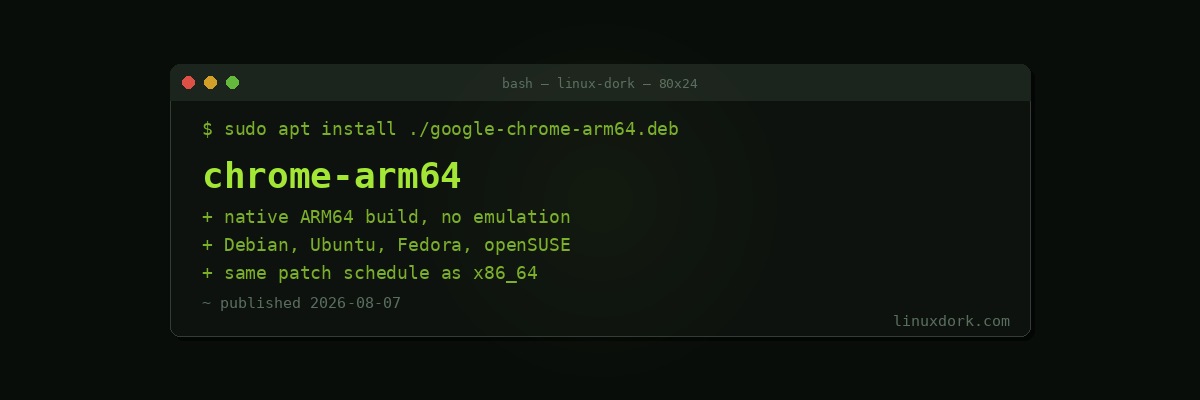
Google Ships Native ARM64 Builds of Chrome for Debian, Ubuntu, Fedora, and openSUSE
Google has started offering native ARM64 builds of Chrome for Linux through its official download page, with packages available for Debian, Ubuntu, Fedora, and openSUSE. Until now, official Chrome downloads for Linux were x86_64 only, leaving ARM64 users to either run Chrome under emulation or fall back to Chromium builds packaged by their distribution.
Why this matters
ARM64 Linux has grown well beyond the Raspberry Pi niche it started in. Snapdragon-based Linux laptops, ARM server deployments, and developer workstations built around Ampere and other ARM server chips have all pushed demand for a first-party, officially supported browser rather than a community Chromium build or an x86 binary running through emulation. Emulated x86 builds work, but they carry a real performance penalty and lose out on hardware video decode acceleration, which matters for anything from video calls to everyday browsing on battery-powered ARM hardware.
A native ARM64 build also matters for update reliability and security patch timing. Distro-packaged Chromium builds often lag behind Chrome’s own release cadence, particularly for security patches, since packaging and testing for a secondary architecture takes distribution maintainers extra time. An official Google-provided ARM64 build gets the same patch timeline as the x86_64 release.
How to install it
# Debian/Ubuntu (arm64): download the .deb from Google's official Chrome page,
# then install with apt to resolve dependencies automatically
sudo apt install ./google-chrome-stable_current_arm64.deb

# Fedora (aarch64): download the .rpm and install with dnf
sudo dnf install ./google-chrome-stable_current_aarch64.rpm

# openSUSE (aarch64): install the downloaded rpm with zypper
sudo zypper install ./google-chrome-stable_current_aarch64.rpm
As with the x86_64 release, installing the package also adds Google’s own apt or yum/zypper repository, so future updates are pulled automatically through your regular package manager rather than requiring a manual download each time.
What ARM64 Linux users were doing before
Prior to this release, ARM64 desktop and laptop users generally had three options: run their distribution’s packaged Chromium, which trades some Google-specific integrations and codec support for open-source packaging; run Chrome under an x86 emulation layer, accepting the performance cost; or use an alternative Chromium-based browser with its own ARM64 build cadence. A native, officially supported Chrome build removes the tradeoff for anyone who specifically wants Google’s browser rather than a Chromium derivative.
This also brings Linux roughly in line with where Chrome on ARM64 Windows and Chrome on Apple Silicon Macs have already been for some time, both of which have had native ARM builds for years.