Rootless Containers: Running Podman and Docker Without a Root Daemon
A traditional Docker setup runs a daemon as root, and every container is a child of that daemon. Anyone who can talk to the Docker socket can effectively become root on the host, which is why adding a user to the docker group is equivalent to giving them root.
Rootless containers remove that. The runtime and the containers run as your ordinary user.
How it works
User namespaces map UIDs. Your user is allocated a range of subordinate UIDs, and the container’s UID 0 maps to the first of them.
cat /etc/subuid
# alice:100000:65536

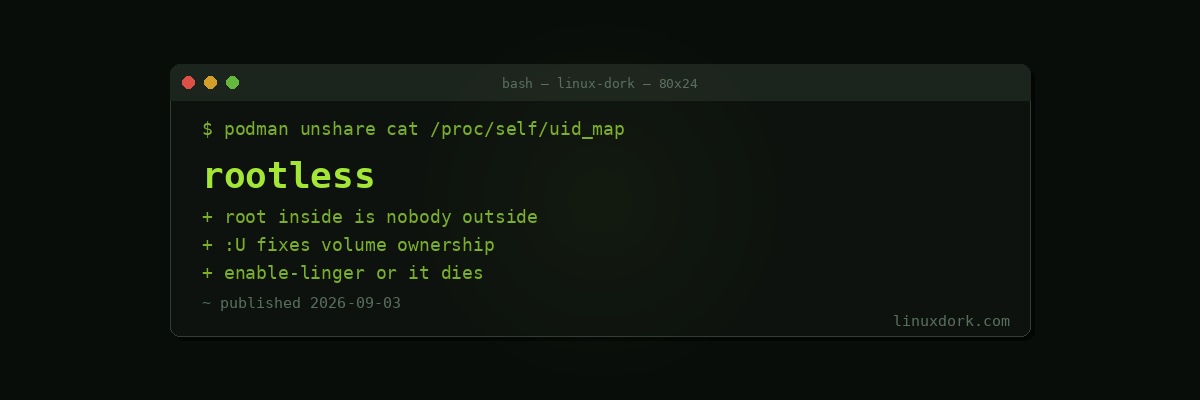
podman unshare cat /proc/self/uid_map
# 0       1000          1
# 1     100000      65536
So a process running as root inside the container is UID 100000 on the host, which owns nothing and can do nothing. A container escape lands in an account with fewer privileges than your own login.
Using it
With Podman it is the default:
podman run -d -p 8080:80 nginx
podman ps
No sudo, no daemon, no socket to protect. Our Docker and Podman guide covers the rest.
Docker supports it through a separate rootless installation:
dockerd-rootless-setuptool.sh install
export DOCKER_HOST=unix://$XDG_RUNTIME_DIR/docker.sock
The four limitations you will actually hit
Privileged ports. Cannot bind below 1024.
# Publish high and proxy
podman run -d -p 8080:80 nginx

# Or lower the threshold system-wide
echo 'net.ipv4.ip_unprivileged_port_start=80' | sudo tee /etc/sysctl.d/99-ports.conf
sudo sysctl --system
The proxy approach is better, and our reverse proxy builder generates the config.
Volume ownership. A file written as root inside appears as UID 100000 outside, and files you own appear as nobody inside.
# Have podman fix ownership on the mount
podman run -v ./data:/data:U alpine touch /data/file

# Or map explicitly
podman run -v ./data:/data:idmap alpine ...
This is the single most common source of confusion in rootless setups.
Networking performance. Rootless uses a userspace network stack, pasta on current versions or slirp4netns previously, rather than kernel bridging. Fine for most things, measurably slower for high-throughput networking.
Session lifetime. Containers die when you log out, unless you enable lingering:
loginctl enable-linger "$USER"Forgetting this is why a rootless service on a server works until you disconnect.
Making services persist properly
Do not rely on restart policies. Generate systemd units, which is the intended path:
# Quadlet, the modern approach
mkdir -p ~/.config/containers/systemd
# ~/.config/containers/systemd/myapp.container
[Container]
Image=docker.io/library/nginx:alpine
PublishPort=8080:80
Volume=%h/data:/data:Z
[Service]
Restart=always
[Install]
WantedBy=default.targetsystemctl --user daemon-reload
systemctl --user start myappOur Quadlet guide covers this properly.
Is it worth it
For a personal machine or a homelab, yes, and the cost is low. The limitations are workarounds you configure once.
For high-throughput networking or anything needing genuinely privileged operations, rootful still has a place, and the honest framing is that you are choosing to accept a larger blast radius in exchange for capability.
Note that rootless is not a substitute for a virtual machine when running untrusted code. It narrows the consequences of an escape considerably; it does not eliminate the shared kernel.
Frequently Asked Questions
What makes a container rootless?
The container runtime and the container both run as your unprivileged user rather than as root. User namespaces map UID 0 inside the container to an unprivileged UID on the host, so a process that thinks it is root has no host privileges at all.
Why can rootless containers not bind port 80?
Ports below 1024 are privileged and an unprivileged process cannot bind them. Publish a high port and proxy to it, or lower net.ipv4.ip_unprivileged_port_start, which changes the threshold system-wide.
Why do bind-mounted files end up owned by strange UIDs?
Because of the UID mapping. A file created as root inside the container appears on the host as your subuid base, often 100000 or similar. Use the U or idmap volume options, or create the directories with the right ownership beforehand.
Is rootless slower than rootful?
Networking is, because rootless containers use a userspace network stack such as pasta or slirp4netns rather than kernel bridging. For most workloads the difference is not noticeable; for high-throughput networking it can be.
Does Docker support rootless mode?
Yes, through a separate rootless installation that runs the daemon as your user. Podman was designed daemonless and rootless from the start, so it is the smoother experience, but Docker rootless works.
Do rootless containers survive a logout?
Only with lingering enabled, using loginctl enable-linger. Without it, systemd terminates your user session processes when you log out, taking the containers with them. This surprises people running services on a server.